

Last updated: September 2026 – checked against the current Vahan portal and Indian data-privacy rules.
“License plate lookup” usually means checking a vehicle’s registration details using just its number plate. In India, this is done through the government’s own Vahan portal, not a third-party website. This guide explains what you can actually find out this way, what stays private, and how to do a lookup correctly.
What a License Plate Lookup Actually Shows in India
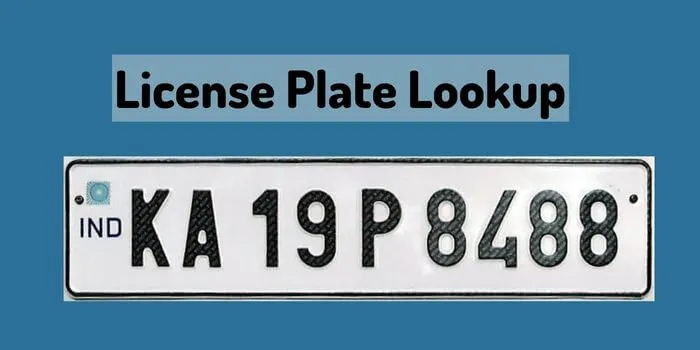
Using the official Vahan portal’s “Know Your Vehicle Details” service, entering a registration number shows:
What it does not show: a full owner name and address for privacy reasons (unless the vehicle owner has chosen to make this public), and there is no official Indian equivalent of a Western-style “vehicle history report” listing past accidents, repairs, or previous owners. Be wary of any site that claims to sell this kind of report, since India has no public database that would allow it, and such sites are unlikely to be legitimate.
How To Look Up a Vehicle by Its Number Plate

For the full step-by-step process and what each field means, see our detailed guide on checking vehicle owner details by number plate.
Legitimate Reasons To Look Up a Number Plate
Why Full Owner Details Are Masked
India’s Motor Vehicles Act and data-privacy framework limit how much personal information about a vehicle owner can be shown to the public through an online lookup, to prevent stalking, harassment or fraud. If you genuinely need an owner’s full name and address, for example to serve a legal notice, you’ll usually need to apply in writing at the relevant RTO with a valid reason and identification, rather than getting it from any online tool. Be cautious of any website or app that claims to bypass this and reveal full owner details instantly; that is a sign it isn’t using the official government database and may itself be misusing or reselling personal data.
Frequently Asked Questions
Can I see a vehicle’s full accident or repair history using its number plate?
No. There’s no official public database of this kind in India. Treat any site claiming to offer a full “vehicle history report” from just a plate number with caution.
Is it legal to look up any vehicle’s number plate?
Checking basic registration status through the official Vahan portal is legal and free for anyone. Attempting to obtain a private owner’s full personal details without a valid reason is restricted.
Why does a lookup sometimes show no owner name?
Many owners have their personal details masked by default for privacy. This is normal and doesn’t indicate anything wrong with the vehicle’s registration.
Is the license plate lookup free?
Yes, checking a vehicle’s basic details on the official Vahan portal or mParivahan app is completely free.
Related guides: Vehicle Owner Details, Vehicle RC Status, Vehicle Blacklist Check.